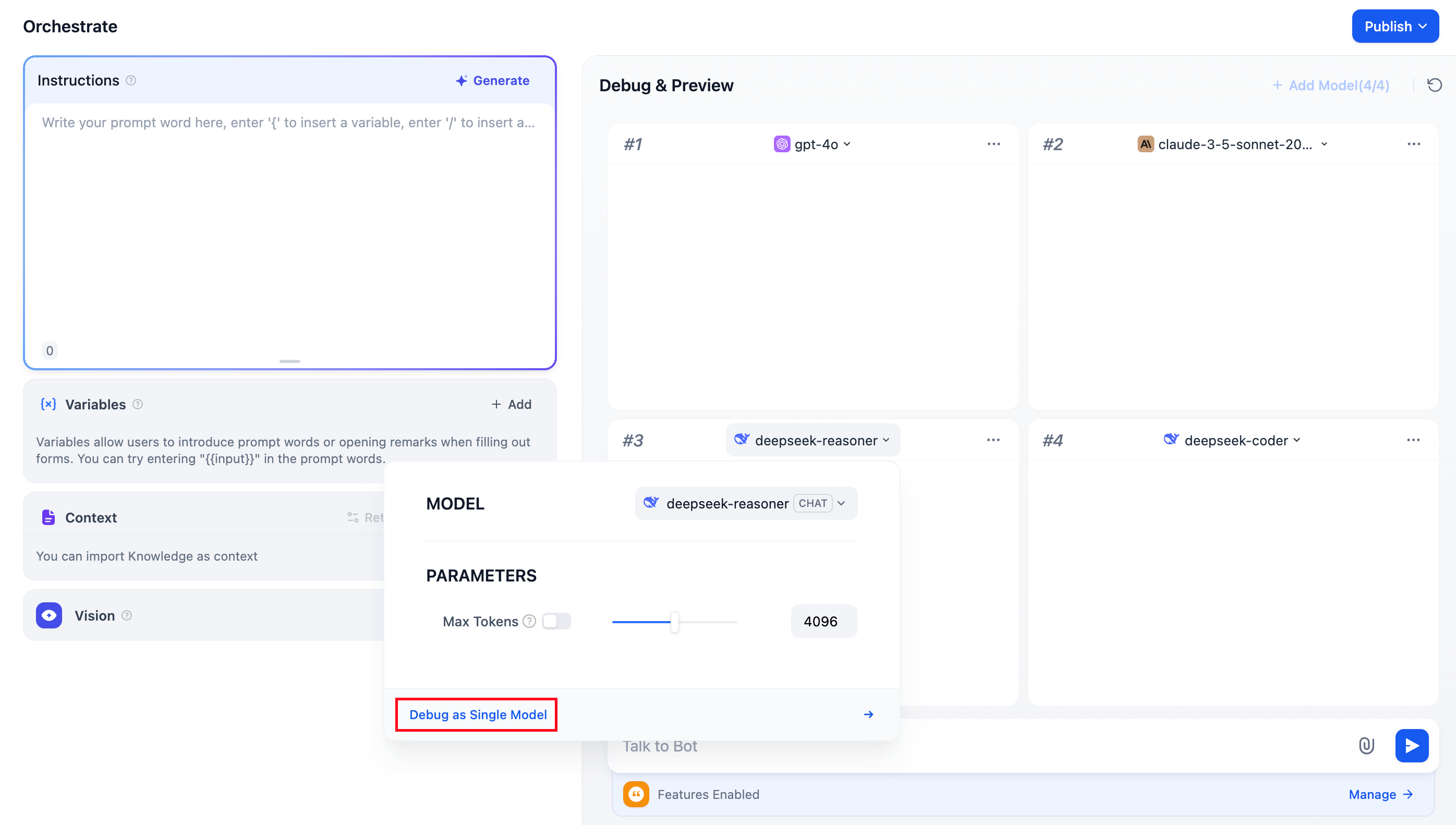
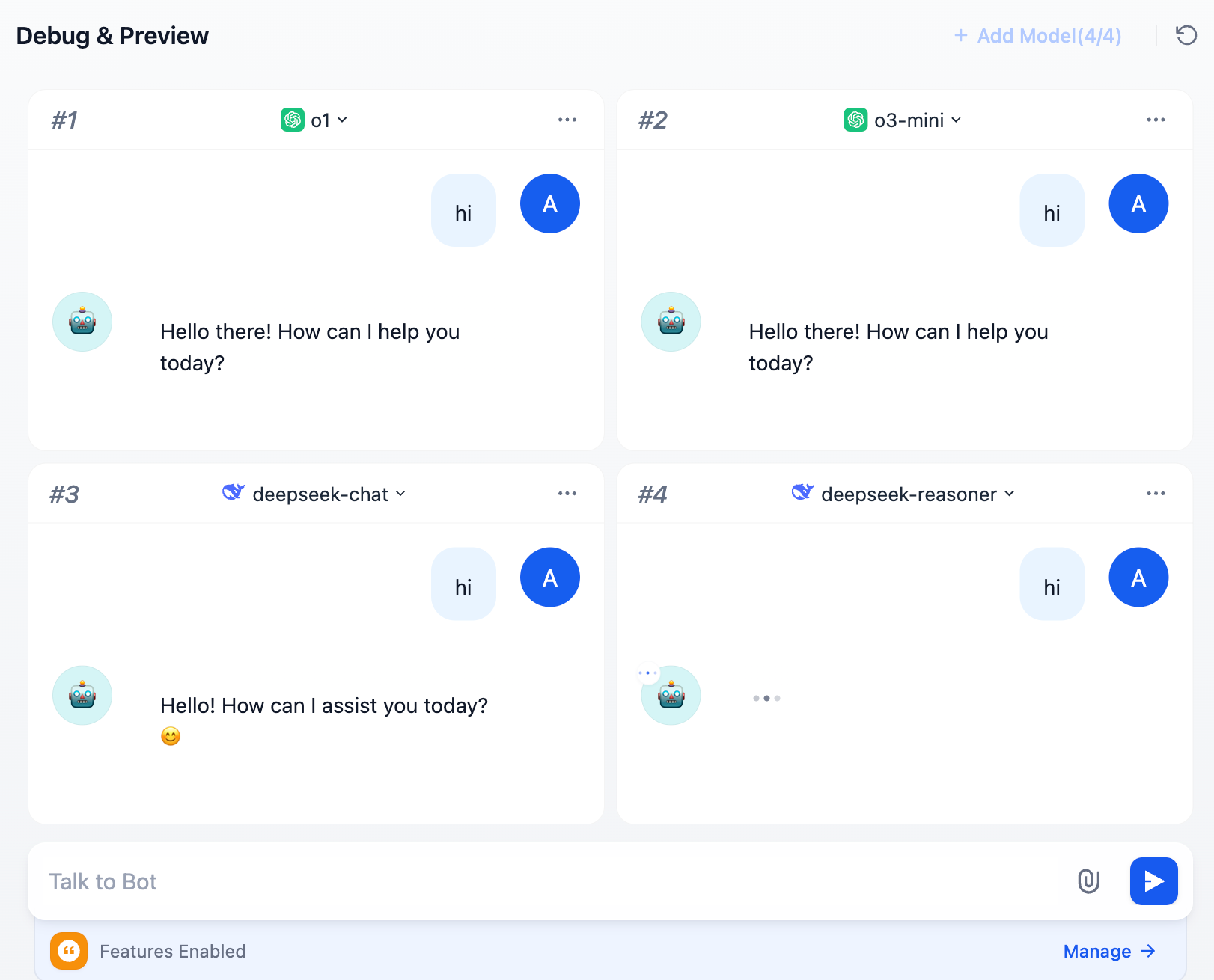
The Chatbot application supports the “Debug as Multiple Models” feature, allowing you to simultaneously compare how different models respond to the same question.Documentation Index
Fetch the complete documentation index at: https://dify-6c0370d8-fix-language-redirection.mintlify.app/llms.txt
Use this file to discover all available pages before exploring further.
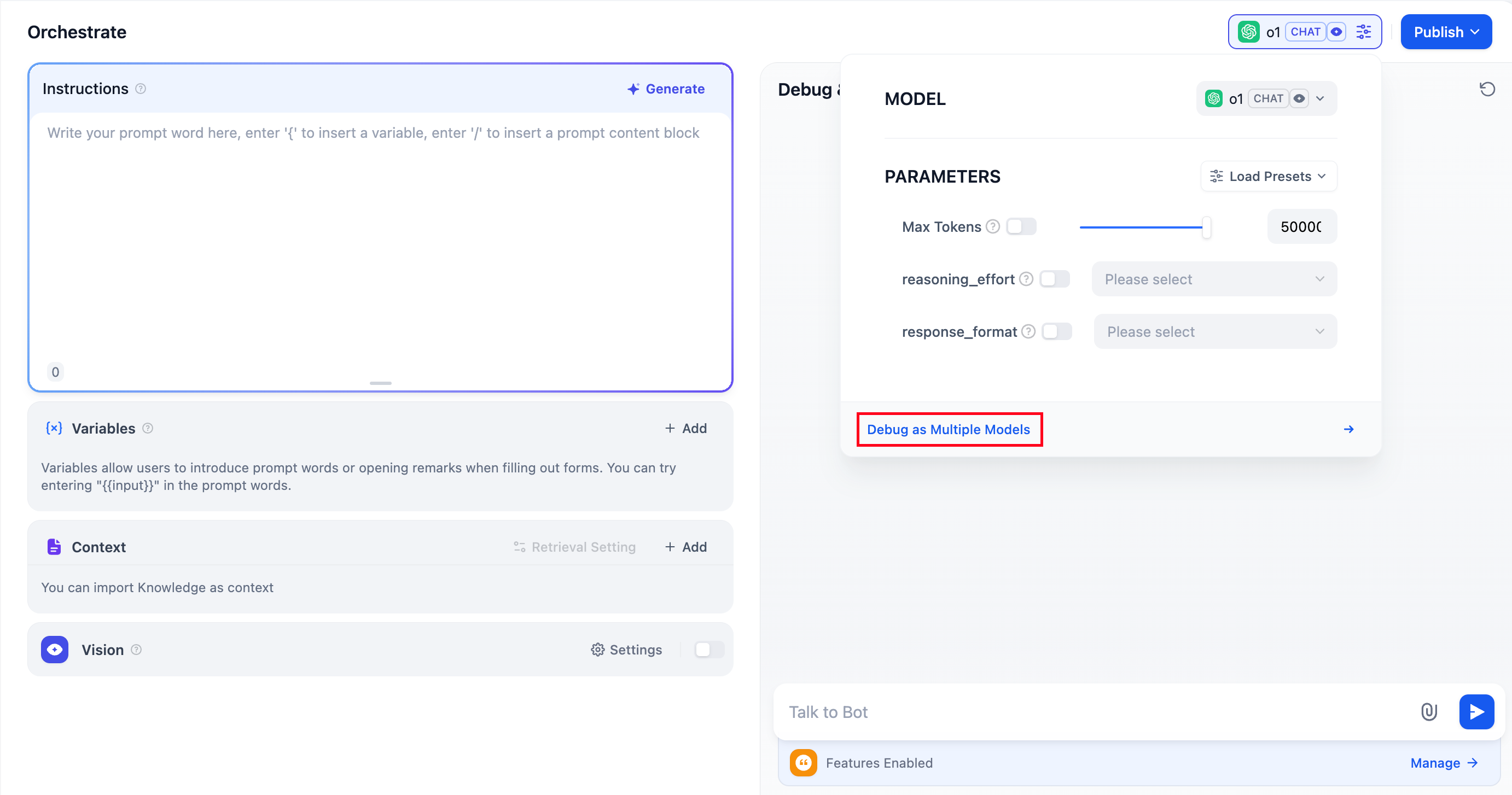 You can add up to 4 large language models at once.
 During debugging, if you find a model that performs well, click “Debug as Single Model” to switch to a dedicated preview window for the model.