The Tools node connects your workflow to external services and APIs through pre-built integrations. Unlike HTTP Request nodes, Tools provide structured interfaces, built-in error handling, and simplified configuration for popular services.Documentation Index
Fetch the complete documentation index at: https://dify-6c0370d8-fix-language-redirection.mintlify.app/llms.txt
Use this file to discover all available pages before exploring further.
Tool Types
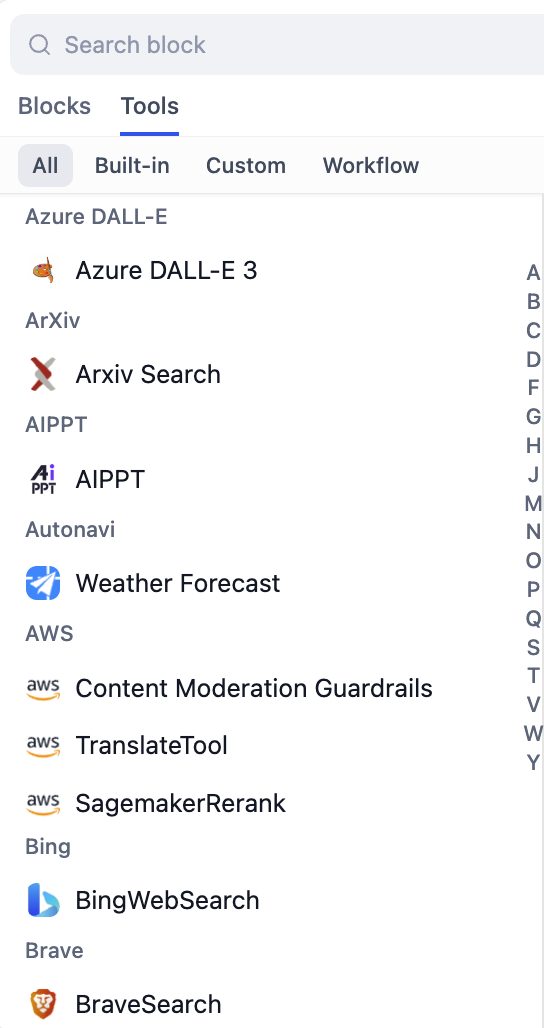
Dify supports multiple types of tools to handle different integration needs: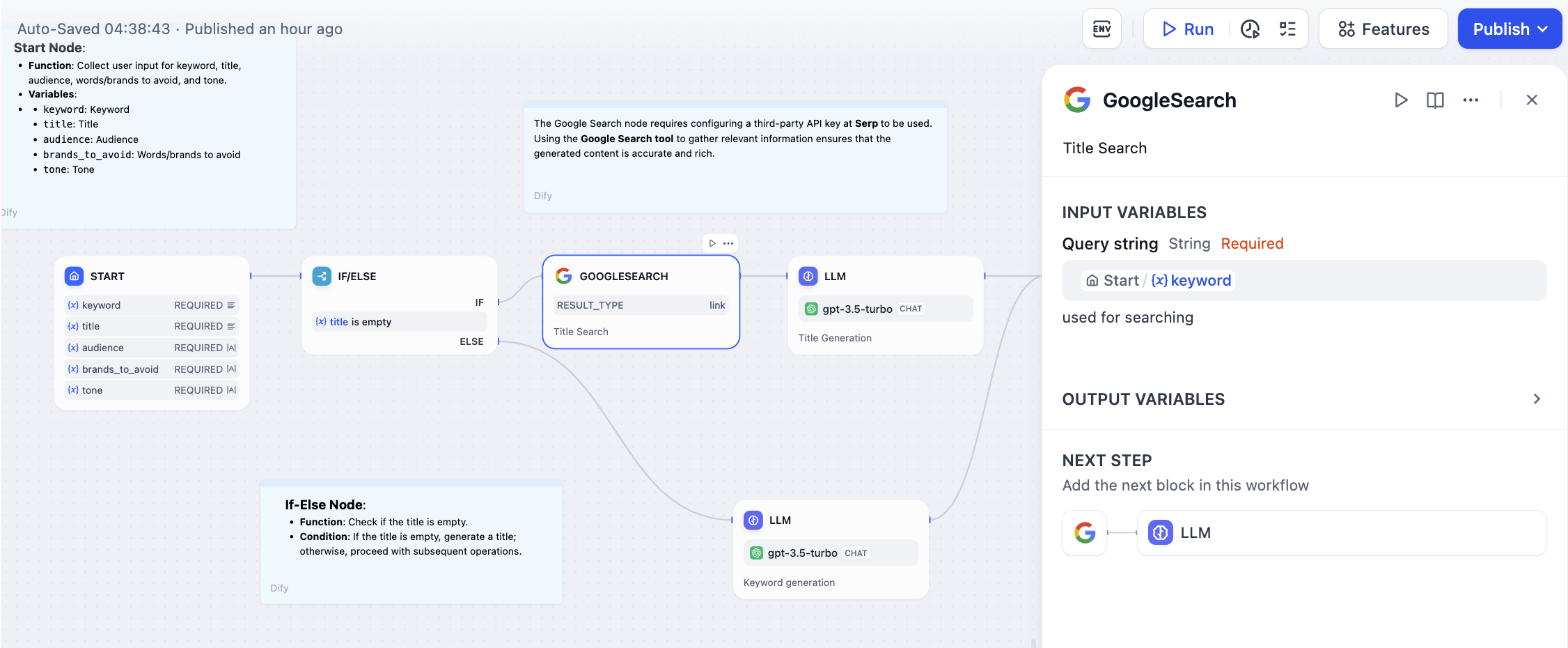
- Built-in Tools
- Custom Tools
- Workflow Tools
- MCP Tools
Ready-to-use integrations maintained by Dify for popular services including Google Search, weather APIs, productivity tools, and AI services. These tools require minimal configuration and provide reliable, tested integrations.
Configuration
Authentication
Many tools require API keys or OAuth authentication. Configure these credentials in the Tools section of your workspace before using them in workflows. Authentication is handled automatically once configured.Input Parameters
Tools provide structured forms with validation for input configuration. Set parameters using variables from previous workflow nodes. The interface automatically handles data type validation and provides helpful descriptions for each parameter.Output Handling
Tools return structured data that becomes available as variables for downstream nodes. Output schemas are predefined, ensuring compatibility and reducing integration complexity.Advantages Over HTTP Requests
Structured Interfaces provide form-based configuration with built-in validation, making setup easier than manual HTTP request configuration. Built-in Error Handling includes automatic retry logic and error management, reducing the complexity of handling API failures. Type Safety ensures input and output schemas maintain data compatibility between workflow nodes. Documentation includes usage examples and detailed parameter descriptions for each tool.Error Handling and Retries
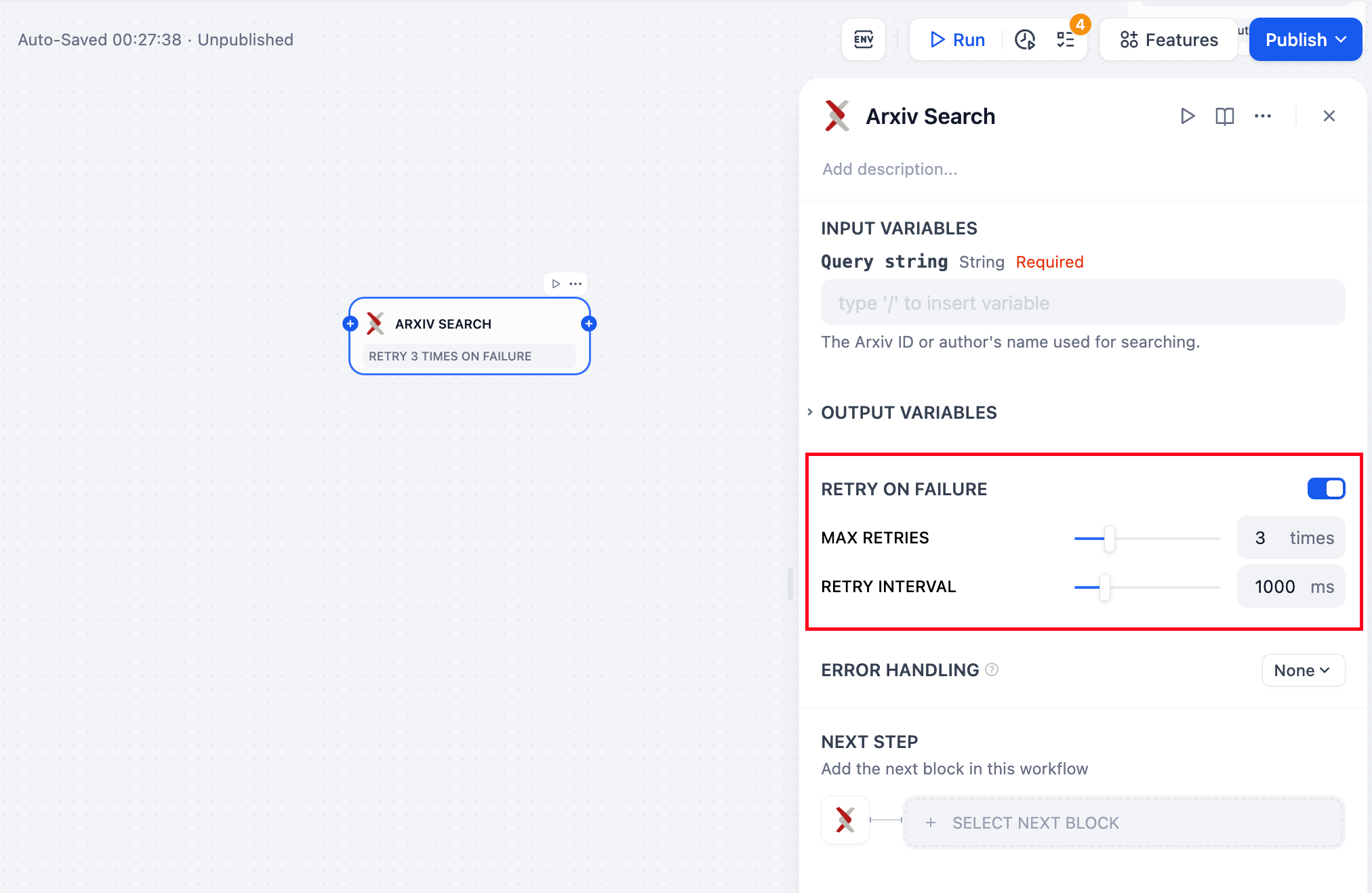
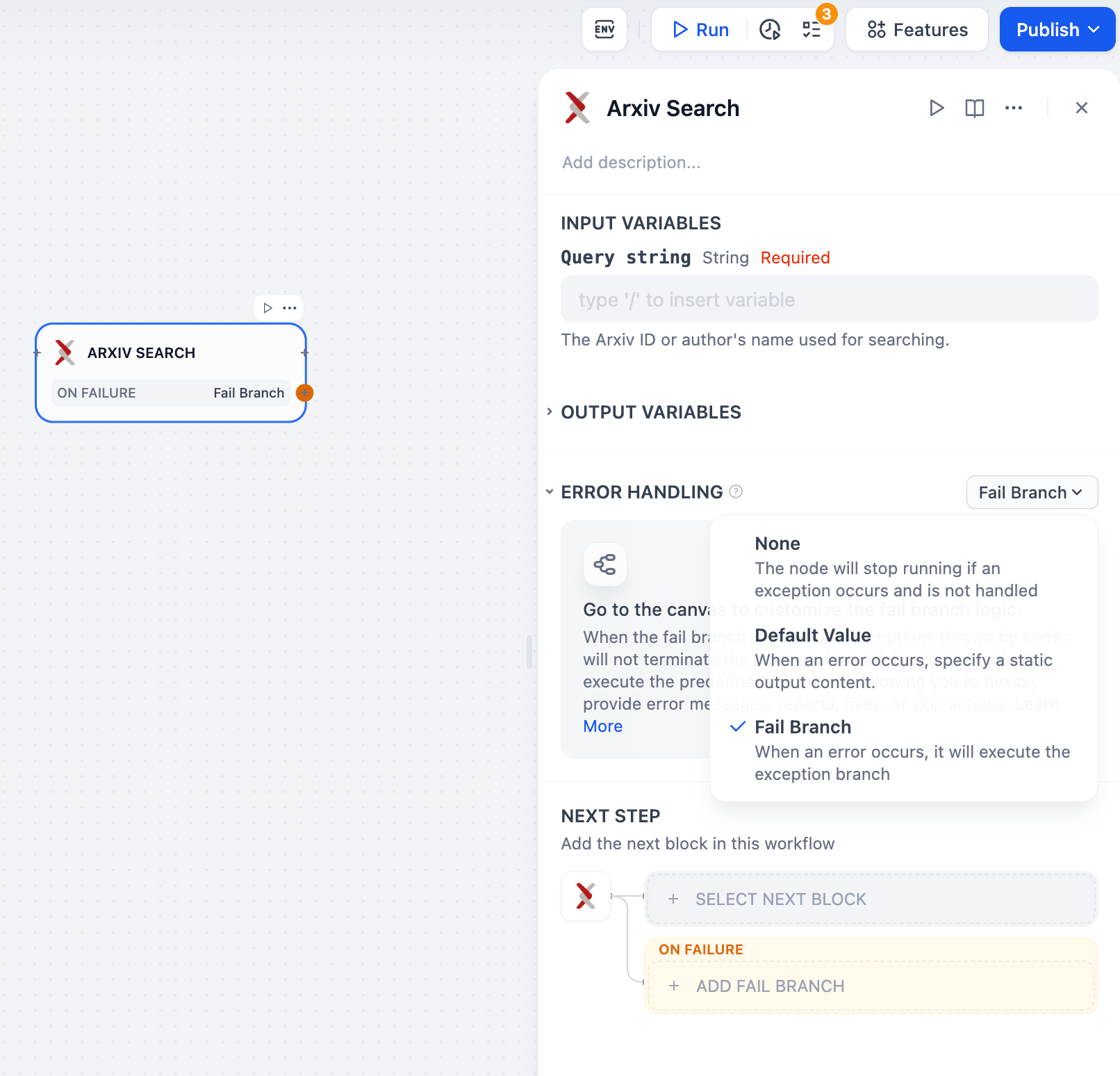
Configure robust error handling for tools that depend on external services: